> ## Documentation Index
> Fetch the complete documentation index at: https://docs.thnks.com/llms.txt
> Use this file to discover all available pages before exploring further.
# Thnks Browser Extension
For Thnks users, gratitude has never been easier—or more seamlessly integrated into your daily workflow. The **Thnks Browser Extension** for **Google Chrome** and **Microsoft Edge** enables you to show appreciation on the go, right from any webpage.
Designed to streamline your Thnks-sending experience, this extension helps you stay efficient whether you’re browsing online or working within Salesforce.
***
## Send Thnks Instantly from Any Webpage
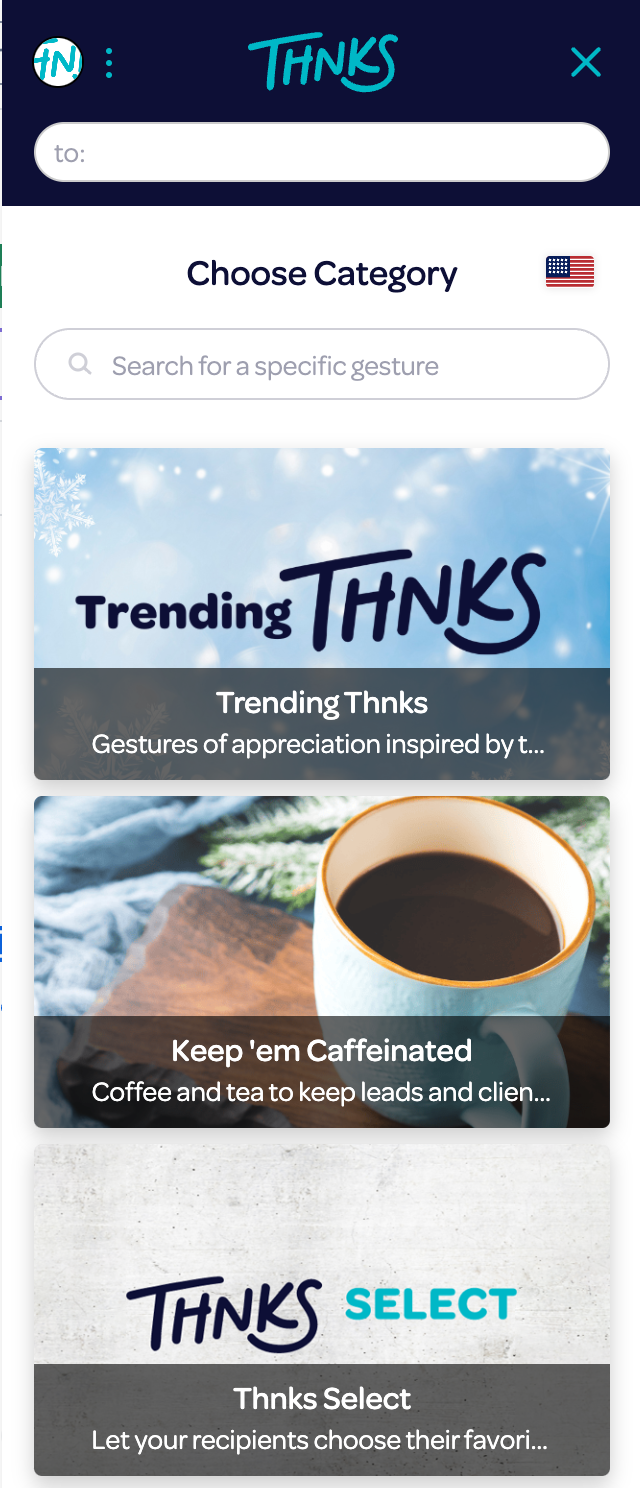
The extension is always ready in your browser toolbar, allowing you to express gratitude in real time and keep your focus on what matters.
 ***
## How to Start Using the Extension
1. **Install the Thnks Browser Extension**
Get the extension from your browser’s extension store:
* [Chrome Web Store](https://chromewebstore.google.com/detail/thnks-chrome-extension/panjhpcfdmjeicoiapnhhpbjblahgeak)
* [Microsoft Edge - Chrome Extension Store](https://chromewebstore.google.com/detail/thnks-chrome-extension/panjhpcfdmjeicoiapnhhpbjblahgeak)
2. **Log in with your Thnks account credentials**
Access your account to start sending Thnks directly from your browser.
***
## Enhanced Integrations
The Thnks Browser Extension offers additional functionality for select web apps, enhancing your workflow:
### With Salesforce
***
## How to Start Using the Extension
1. **Install the Thnks Browser Extension**
Get the extension from your browser’s extension store:
* [Chrome Web Store](https://chromewebstore.google.com/detail/thnks-chrome-extension/panjhpcfdmjeicoiapnhhpbjblahgeak)
* [Microsoft Edge - Chrome Extension Store](https://chromewebstore.google.com/detail/thnks-chrome-extension/panjhpcfdmjeicoiapnhhpbjblahgeak)
2. **Log in with your Thnks account credentials**
Access your account to start sending Thnks directly from your browser.
***
## Enhanced Integrations
The Thnks Browser Extension offers additional functionality for select web apps, enhancing your workflow:
### With Salesforce
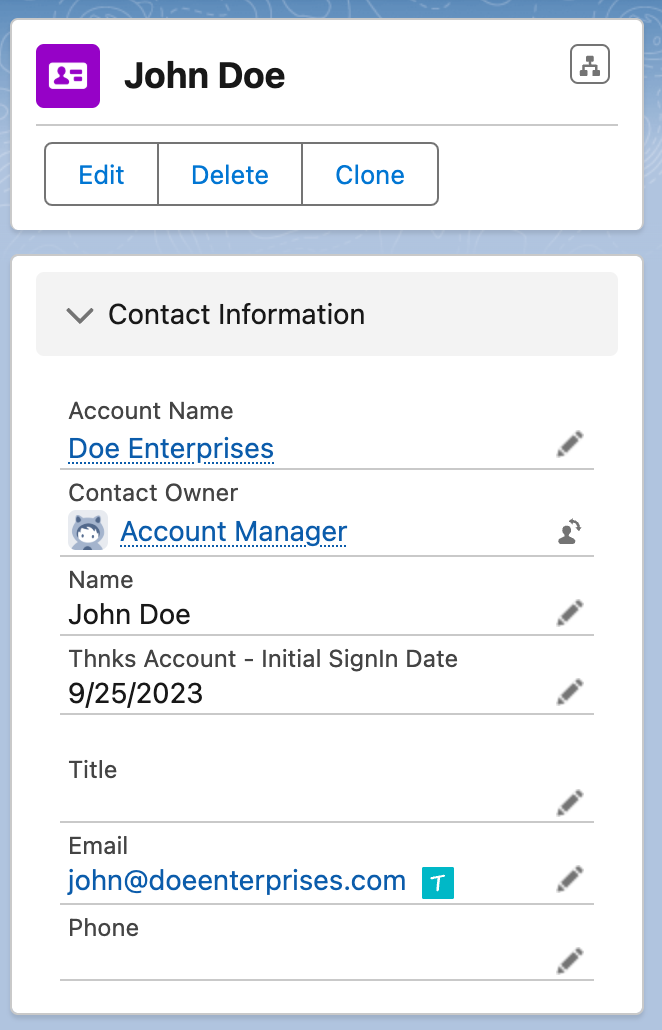 For those who rely on Salesforce, the extension provides added efficiency:
* A **built-in Salesforce trigger** allows you to send Thnks directly from a contact’s email address.
* Simply click the **Thnks icon** next to any email field to open the extension and send a Thnks in seconds.
### With Gmail
For those who rely on Salesforce, the extension provides added efficiency:
* A **built-in Salesforce trigger** allows you to send Thnks directly from a contact’s email address.
* Simply click the **Thnks icon** next to any email field to open the extension and send a Thnks in seconds.
### With Gmail
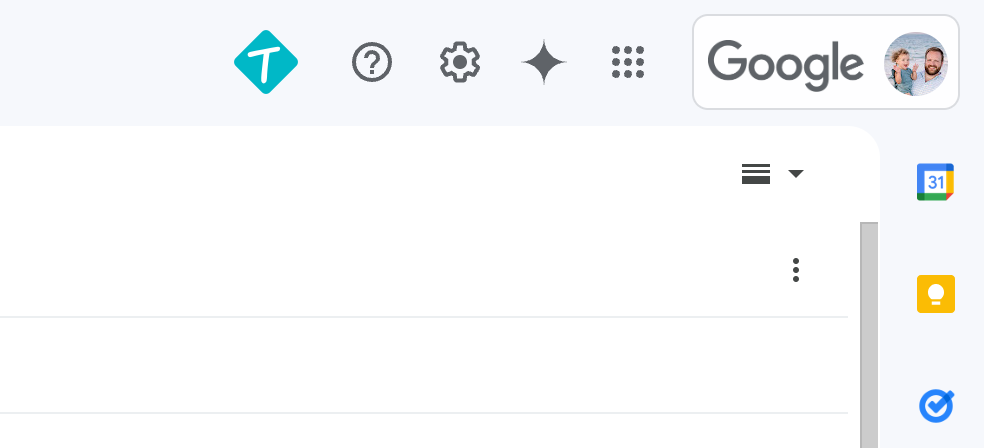 Streamline your email gratitude process:
* Click the **Thnks "T" icon** from within the Compose window to open the extension.
* Select the desired Thnks, and it will be automatically embedded into your email message.
### With LinkedIn
Streamline your email gratitude process:
* Click the **Thnks "T" icon** from within the Compose window to open the extension.
* Select the desired Thnks, and it will be automatically embedded into your email message.
### With LinkedIn
 Express appreciation directly from LinkedIn:
* Click **Send a Thnks** on a LinkedIn contact page to automatically populate that contact’s email in the extension.
***
Start using the Thnks Browser Extension today and make gratitude a seamless part of your workflow!
Express appreciation directly from LinkedIn:
* Click **Send a Thnks** on a LinkedIn contact page to automatically populate that contact’s email in the extension.
***
Start using the Thnks Browser Extension today and make gratitude a seamless part of your workflow!